Random Animal Generator

One button, one real animal — photo, scientific name and three facts worth knowing.

Loading the full list…

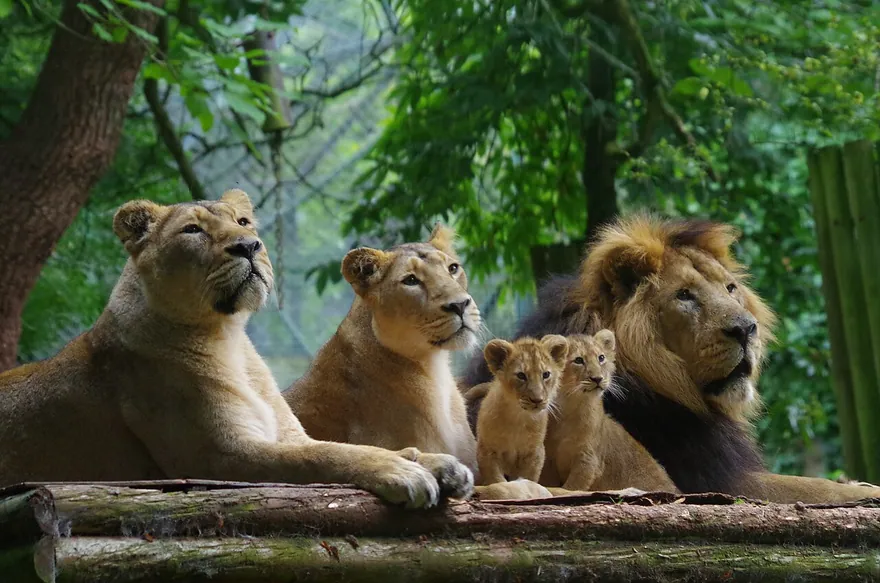
Lion (Panthera leo)Vulnerable

Photo: GinaFranchi · CC BY-SA 4.0

Mammalcarnivore

Lion

Panthera leo

The lion is a big cat that roams the grasslands of Africa and the forests of India. Known for its powerful build and striking mane, the lion is a symbol of strength and courage in the wild.

  • Male lions have a thick mane around their head and neck.
  • Lions have a dark tuft of hair at the end of their tail.
  • Adult male lions are larger than females.
GrasslandSavannaForestAfricaAsia
View Lion profileRead more on Wikipedia
Share this animal

What is a random animal generator?

This random animal generator picks a real species out of a hand-checked library of more than thirteen hundred and shows you what it actually looks like. Every spin gives you a photograph, the common and scientific name, a conservation category when recorded, and a short set of facts about the animal.

That is the part most random animal pickers skip. A name on its own tells you nothing: "pangolin" is a fun word, a picture of a pangolin is a different experience entirely. Teachers use this for writing prompts and classroom warm-ups, game masters use it to populate a world, artists use it for drawing challenges, and plenty of people just spin it because animals are interesting.

Choose a filter for habitat, region or conservation status before spinning. For a specific group such as birds, fish or reptiles, open that group’s generator. Every result links to a permanent profile you can share or open later.

Browse animals by habitat, region or status

Start with a place you are curious about, then pick an animal from the photo list. The collection pages bring together species that share a habitat or region, with direct links to their profiles. The Endangered Animals collection includes conservation categories, so you can find species listed as Endangered and compare them with Vulnerable and Critically Endangered animals.

How to generate and save a random animal

  1. Leave Everything selected for the full pool, or choose a filter such as Ocean, Desert or Africa before you spin.
  2. Press Generate a random animal. Read the name and facts and check the photo. Press the button again for another result, or use the spacebar when you are away from the controls.
  3. Open the profile to keep reading, or use Copy link to save that specific animal. The link opens its photo and facts directly, even after the generator moves on to another result.

You can spin as often as you like without creating an account. The pool size changes with your filter. The generator tries to avoid an immediate repeat, but an animal can come back later. For a group activity that needs a set of distinct results, the bird generator and insect generator can each draw 1–12 different cards at once and print them with their photo credits.

Make a drawing or writing prompt

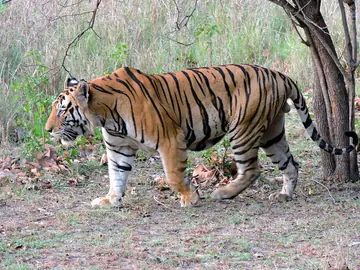
For drawing, start with the animal’s outline. A lion and a tiger have a similar overall body shape, so the silhouette alone may be a challenge. Look for details that will identify your subject: the mane and tail tuft on a lion, or stripes that continue down the legs and tail on a tiger. Keep the profile open so you can return to the same reference photo. If you want an exercise in drawing texture, choose a different habitat and compare fur, scales, feathers or a shell.

For writing, use one fact as a constraint. If the card shows an animal that hunts near water, write a short scene where the water affects what it can hear, see or catch. A second spin can supply an animal for another scene. Check their ranges before putting them together in a realistic story. A polar bear and a penguin make a good exercise in comparing cold environments, but the photos and habitat notes lead to different poles.

Turn two cards into a classroom comparison

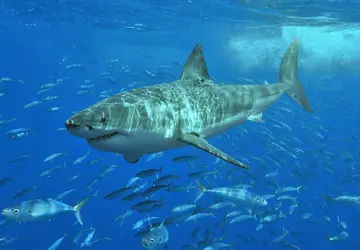
Start with the Ocean filter and keep the first animal as a reference. Spin again and ask students to compare how the two breathe, move and find food. A whale and a shark both swim, but a whale surfaces to breathe and a shark uses gills. To make the comparison more focused, open a profile and follow its links to other animals in the same group. Students can write down one feature shared by the pair and one that helps distinguish them, using the photos and facts as evidence.

The scientific name is useful when a common name is ambiguous or varies between regions. It also helps when you want to check conservation information. A category such as Vulnerable describes the risk to a species as a whole, and a local population may have its own assessment. When a card does not show an IUCN category, look up the scientific name before making a claim about its status. For a report, record the source and assessment date together.

Check what a filter includes

The quick filters use broad tags. Ocean can return a coastal bird as well as a fish, because both depend on marine habitats. The Arctic collection uses a narrower geographic rule than the quick Arctic filter, so use the collection if your project is specifically about the far north. If a result surprises you, compare the habitat and region fields on its profile. Those fields describe two different things: the kind of place an animal uses and the part of the world where it occurs.

Choose between a quick spin and a photo list

Use the spin button when any animal will do. Use a collection when you already know the habitat or topic you want. For example, if your class is studying sea ice, the Arctic collection lets you compare a polar bear, walrus and narwhal without waiting for them to appear in the generator. If the assignment is to name an animal and explain a single adaptation, a random result is a quick way to get a starting point. The collection pages also make it easier to return to animals you want to compare side by side.

Each photo has a Wikimedia Commons source, and pictures that require credit show it on the card. If you plan to reuse a picture in a worksheet or presentation, open the original file page and check its licence. Keep the photographer’s name and licence with the image where required. For an assignment that only needs a reference, saving the animal’s profile link keeps the picture, credit and scientific name together.

Some of the animals you can get

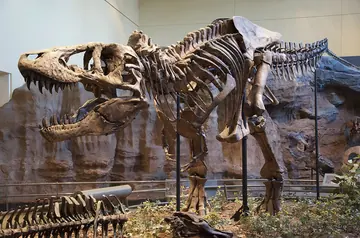
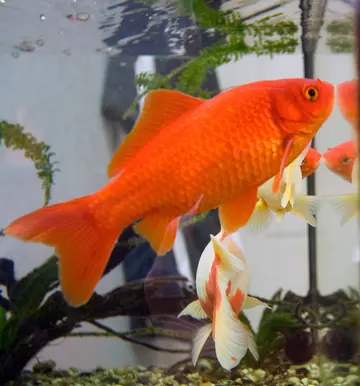
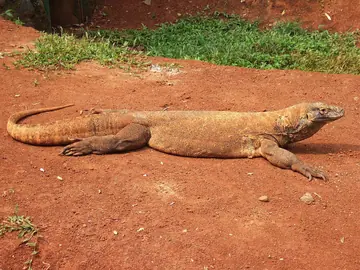
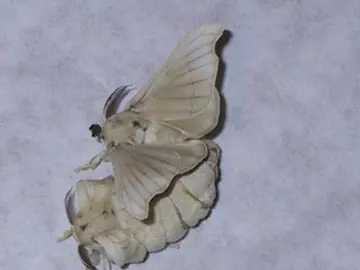
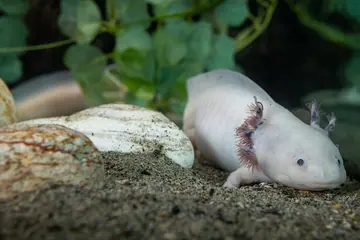
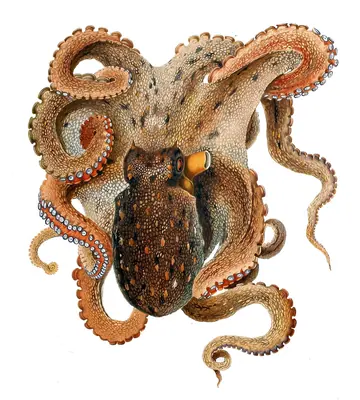
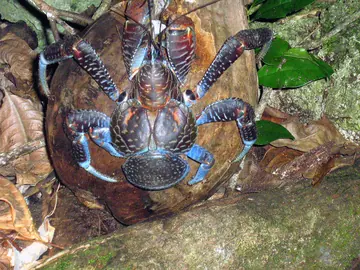
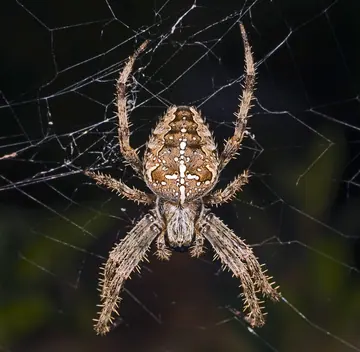
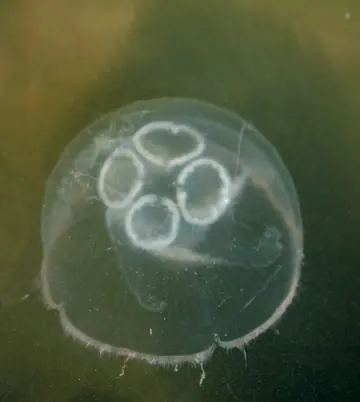
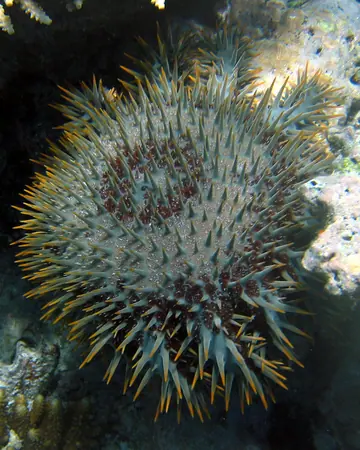
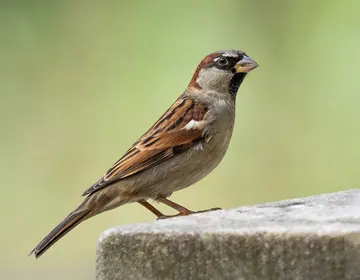
A sample of the 1,303 animals in this generator. Press the button above for a random one.

What people use it for

  • Rated 5 out of 5
    I put this on the board every Monday and the class has to write six sentences about whatever animal comes up. The photo does most of the work — they argue about it before I have finished reading the name out.

    Maya Ellison

    Year 4 teacher

  • Rated 5 out of 5
    I use the ocean filter to stock a coastline in about thirty seconds. Getting the conservation status and the habitat alongside the name means I can describe the thing properly instead of inventing details.

    Daniel Weiss

    Tabletop game master

  • Rated 5 out of 5
    Daily drawing prompts. Most animal randomisers just give you a word, which is useless when you need reference — here I get a photograph I can actually work from, and it keeps handing me species I would never have picked.

    Priya Raman

    Illustrator

  • Rated 5 out of 5
    The bird generator is my flashcard deck now. I cover the name, look at the photo and try to call it before scrolling. Two hundred-odd species is enough that it stays hard.

    Tomas Lindqvist

    Birder

  • Rated 5 out of 5
    My six-year-old asks for "one more animal" about forty times a night. The facts are short enough that she remembers them and repeats them at dinner, which was not something I expected from a random button.

    Elise Moreau

    Parent

Frequently asked questions

More generators